About 3D Arena Racing
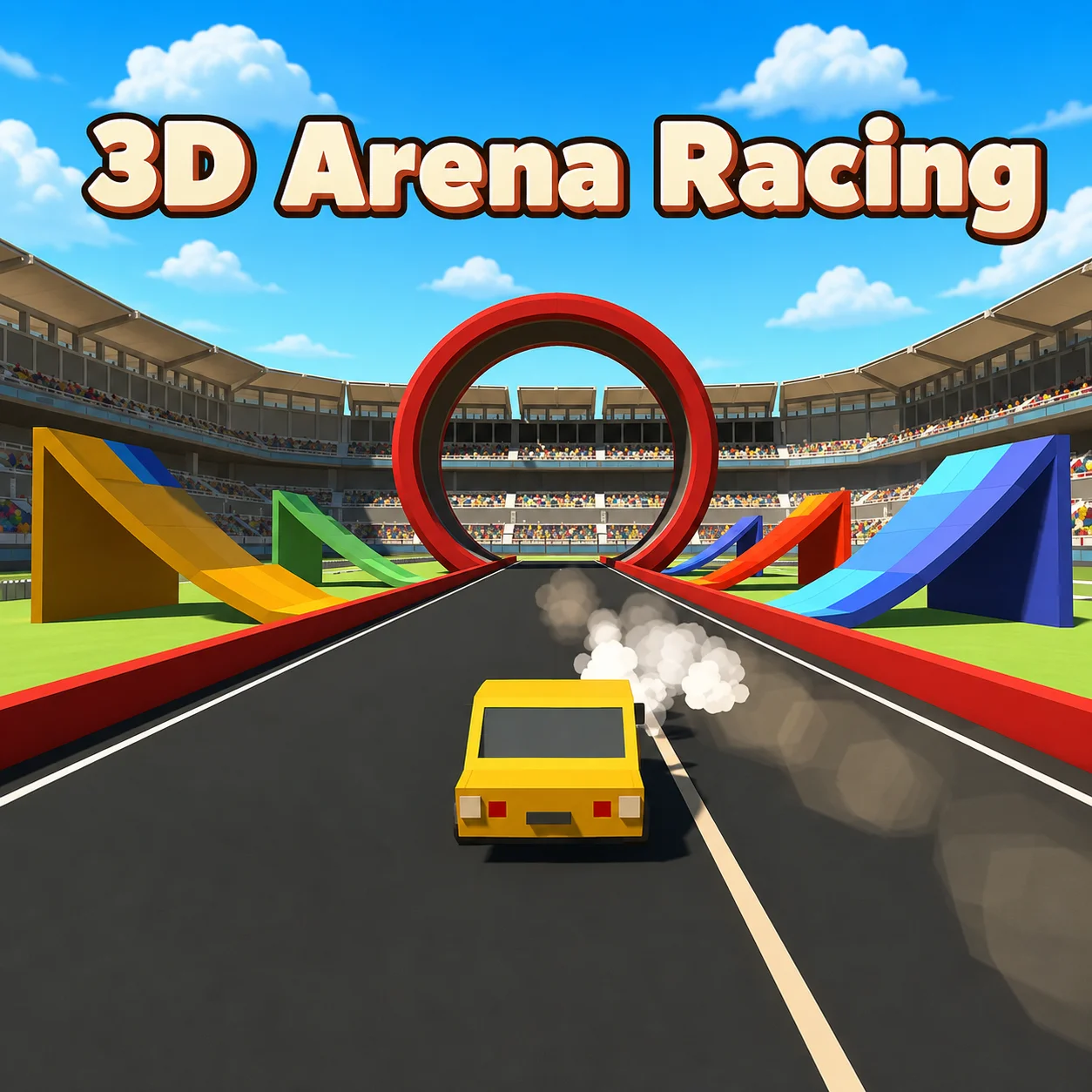
Local two-player controls make the same track feel different from a solo race. Brake timing and line choice matter more than raw throttle on tight arena corners, especially when both players share the same keyboard.
Race position is decided across the full set of laps, making consistent pace and clean exits more useful than one risky burst of speed.
Both players share one keyboard with separate inputs, so each driver should learn their own control set before the race becomes crowded.
The same enclosed circuit supports solo laps and head-to-head local racing. In two-player matches, avoiding contact and maintaining a predictable racing line can be just as important as raw acceleration.
How to Play
- Choose a solo race or the local two-player mode.
- Use WASD for one driver and the arrow keys for the other player.
- Brake before tight corners, take a clean line, and accelerate toward the next straight.
- Finish all scheduled laps while keeping the car on the track; in two-player mode, reach the line before the other driver.
Controls
Tips & Tricks
- Brake before the corner instead of waiting until the kart is already sliding wide.
- Enter from the outside, clip the apex, and let the car run back out on exit.
- On slippery sections, partial throttle is faster than repeated spin-outs at full power.
- In two-player mode, leave enough space for both sets of keys so accidental inputs do not decide the race.
- Let the car settle before accelerating hard on the exit of a hairpin.
- In split-keyboard play, agree on each player's keys before starting the race.
FAQ
How do races work in 3D Arena Racing?
Race position is decided across the full set of laps, making consistent pace and clean exits more useful than one risky burst of speed.
Can two people play 3D Arena Racing on one keyboard?
Both players share one keyboard with separate inputs, so each driver should learn their own control set before the race becomes crowded.
When should I brake for a sharp turn?
Braking before the corner keeps the car settled and leaves more grip for acceleration on exit.
What is the best racing line for a tight corner?
Entering wide, clipping the inside of the turn, and opening the steering on exit helps carry speed without sliding off line.
What is the winning objective in 3D Arena Racing?
Finish all scheduled laps while keeping the car on the track; in two-player mode, reach the line before the other driver.
Which keys control 3D Arena Racing?
Player 1: Use WASD to drive; Player 2: Use the Arrow keys in local two-player mode; Handbrake: Press Space when the build supports a handbrake.
What mistake should I avoid early in 3D Arena Racing?
In split-keyboard play, agree on each player's keys before starting the race.
More Browser Games to Try
- Moon Clash 3D – Moon Clash 3D, officially known as Moon Clash Heroes, is a futuristic third-person shooting game developed by Freeway Interactive.
- Vegas Clash 3D – Vegas Clash 3D is a 3D third-person shooting game developed by Freeway Interactive.
- Rebels Clash – Rebels Clash is a fast-paced online shooting game developed by NadGames.
- Snow Battle.io – Snow Battle.io is a 3D winter action game developed by Gamebiz.
- FZ Snow Battle.IO – FZ Snow Battle.IO is a fast-paced browser game that turns a friendly winter activity into a competitive survival challenge.
- froggys battle – Froggy's Battle is a short browser arcade game that reverses the traditional hero-and-boss formula.
- duck life battle – Duck Life Battle is a training and combat simulation game developed by Wix Games.